The real cost of running AI locally for coding
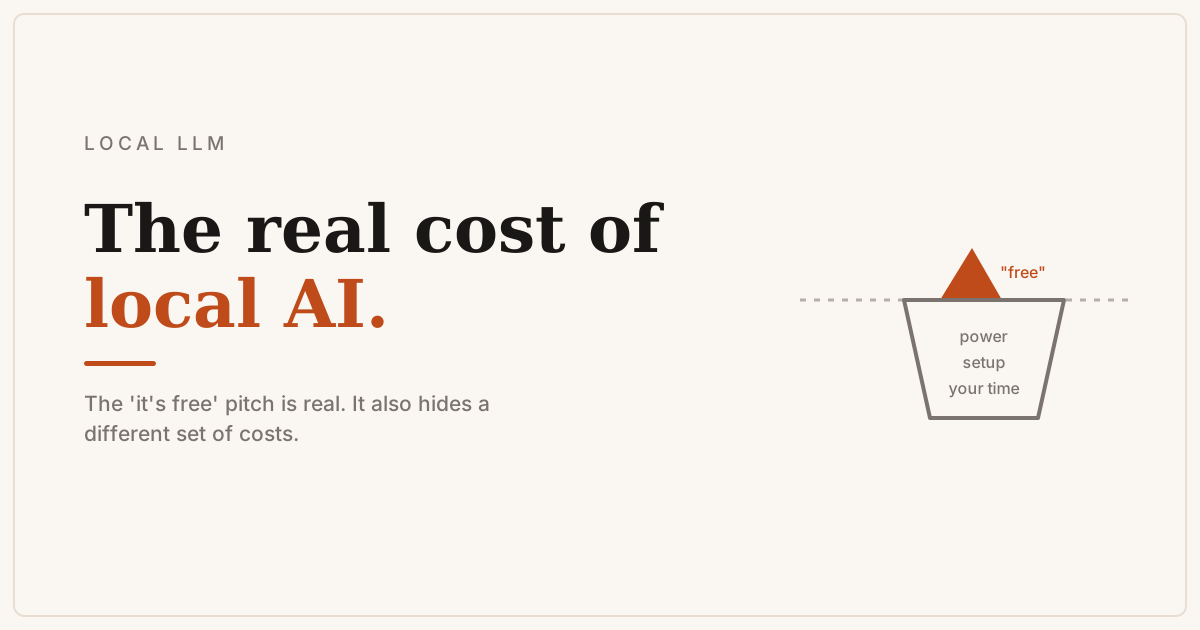
Serious developers are dropping paid AI subscriptions for local models and reporting it actually works. The 'it's free' pitch is real - but it obscures a different set of costs.
About a year ago I’d have quietly dismissed the idea of replacing Claude with a locally-run model for serious coding work. Then the hardware got more accessible, the models improved, and a large, opinionated group of developers started reporting that they’d actually done it - for free - with results good enough to stick with.
The catch: “free” is doing a lot of work in that sentence.
What developers are actually running
The models getting the most praise right now are Qwen 3.6 35B and Gemma 4 27B, running via llama.cpp or similar. The hardware baseline to run them well is a Mac Studio with 128GB unified memory ($2,000) or a pair of RTX 3090 GPUs ($4,400 for the pair). One developer in a recent thread reported hitting 150 tokens per second on dual 3090s - fast enough to feel responsive.
At that speed and with no per-token charges, the math looks attractive if you’re paying for Claude Pro or a similar subscription. Two to four years of subscription costs recouped through hardware, with no usage limits after that.
But the math only holds if the model is doing productive work.
The junior/senior gap
The most honest assessment in that thread: local models at this tier feel like “a junior with knowledge that you really need to guide.” Claude Opus, by contrast, feels like working with a senior engineer - one who picks up context quickly, catches your mistakes, and doesn’t get stuck in loops.
That gap matters in proportion to what you’re building. If you’re automating commit messages, searching a codebase, or scaffolding a small internal tool, a capable junior with deep knowledge is exactly what you need. If you’re chasing a production bug at 11pm before a deadline, you don’t have time for that.
The concrete failure modes people mentioned: local models get into correction loops, struggle with precise edits across files, and need more explicit instruction at each step. You have to be a more disciplined prompter. That’s a real cost - it just doesn’t show up on a credit card.
When local AI actually makes sense
Privacy-sensitive work is the clearest case. If you’re handling code that shouldn’t leave your machine - client data, proprietary algorithms, anything with a compliance angle - local models remove the question entirely. No API call, no data policy to read.
Personal projects are the second clear case. If the work is low-stakes and you have the hardware, occasional loops and retries are easy to absorb. “5x speedup compared to doing it manually” is probably accurate for routine automation, even with the quality gap.
Bulk, well-defined tasks suit local models well too: “commit this, push it, open a PR” run across a codebase, or code search and replacement across thousands of files. Tasks where instructions are precise and acceptable outputs are narrow.
Where I’d still pay
For anything where I’m working at the edge of my own understanding - debugging something subtle, designing a new system, reviewing a security-sensitive path - I want the senior engineer. A wrong suggestion doesn’t just cost a retry; it costs the time spent chasing a bad lead.
The other case: setup cost is real. Getting a local model running well isn’t hard, but it’s not zero either. Picking the right backend, tuning context windows, configuring the harness - that’s an afternoon you spend once, but an afternoon nonetheless. For someone billing professional time, that has to be counted.
What the question actually is
A better frame than “local or cloud?” is: what’s the slowest, most repetitive part of my coding workflow, and does a local model handle that class of task reliably? If yes, the economics work. If the bottleneck is hard problem-solving, local models don’t shift the calculus much yet.
The broad consensus from developers who’ve run both: expect another 6-12 months before local models close most of the remaining quality gap. I’d put the threshold earlier for specific, well-defined workloads and later for the general case. Either way, worth revisiting.